
 English
 Bengali
JYJILI Login — Enter Faster, Register Smarter, Play Securely
Maybe you found JYJILI while checking cricket odds, maybe a friend mentioned it during a BPL betting discussion, and now you just want to know the safest way to sign in without tapping around blindly. Good move.
The JYJILI login flow is built for Bangladesh players who prefer mobile-first access, OTP checks, and quick account recovery. Once your details are ready, entry usually takes about ten seconds, while a fresh registration can be completed before your tea gets cold.
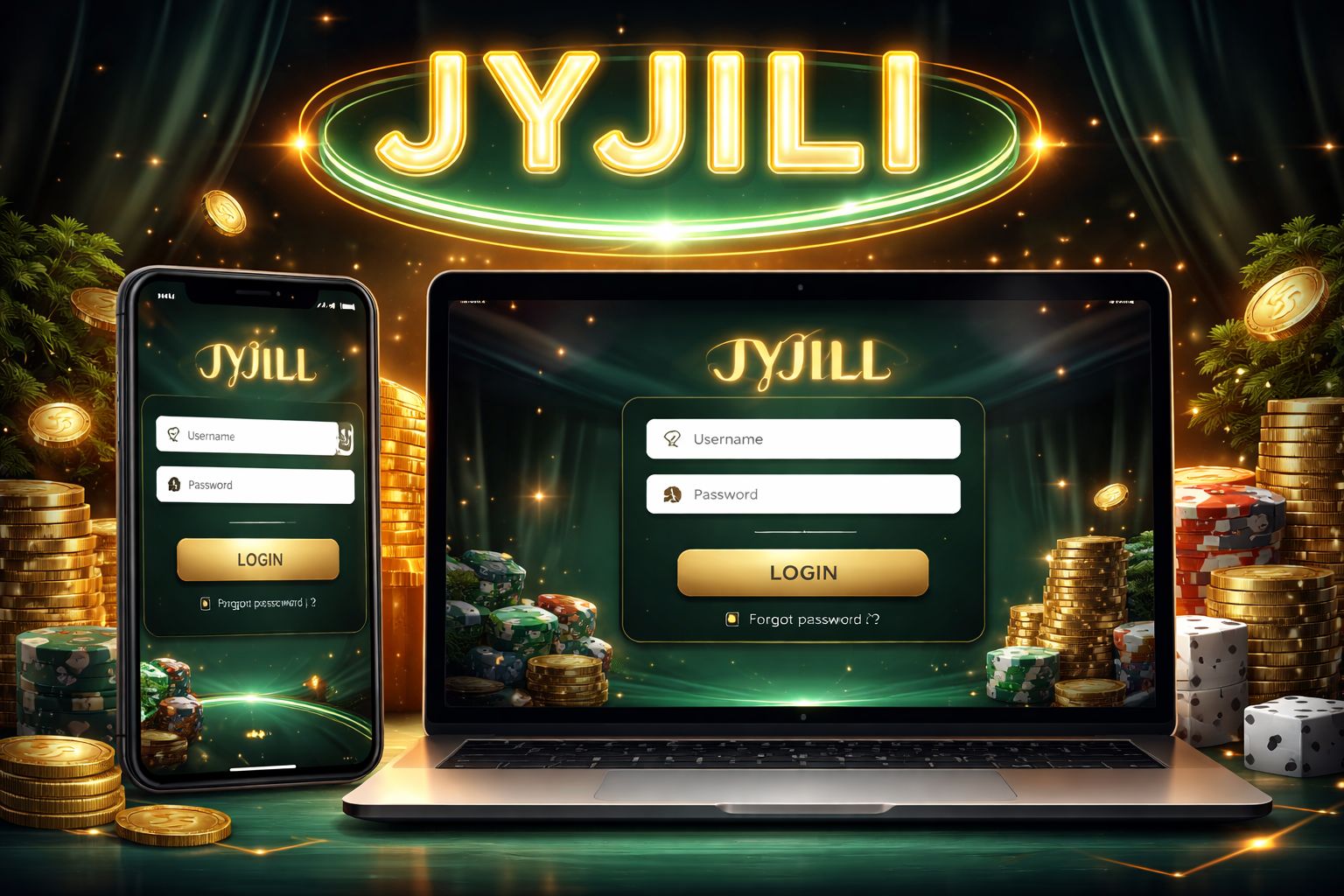
🔑 How to Log In to JYJILI
Open JYJILI on your phone, tablet, or computer and find the Login button near the top of the page. Tap it once; the sign-in panel should appear immediately.
Enter the username or Bangladesh mobile number connected to your account, add your password, then confirm. If the details match, your dashboard loads and you can move straight to wallet, promotions, or game sections.
Three login methods:
| Method | Requires | Average Speed |
|---|---|---|
| Username + password | Type them in | ~10 sec |
| Phone number + password | Type them in | ~10 sec |
| Biometric (app only) | Fingerprint or Face ID | ~2 sec |
Small but important habit: if you are logging in from a shared device, cybercafe computer, or a friend's phone, never leave "remember me" enabled. A few extra seconds of caution can protect your balance and personal details.
For smoother repeat access, install the official JYJILI app and use biometric login where available instead of typing your password every time.
📝 Creating a New Account
No account yet? Registration is designed to be short, practical, and familiar for Bangladesh users. Before starting, keep these ready:
- ✅ A Bangladesh mobile number
- ✅ A payment app you actually use (bKash, Nagad, or Rocket)
- ✅ 2 minutes of your time
Step-by-step:
- Hit the Register button on the homepage or inside the mobile interface
- Enter your Bangladesh mobile number — use the number you control personally, especially if it is tied to your bKash/Nagad wallet for later withdrawal matching
- Set a strong password — combine uppercase and lowercase letters, numbers, and at least one symbol
- Add your name — keep it consistent with your NID so verification is easier when withdrawals begin
- Choose BDT as your currency
- Drop a promo code if you have one — this is where a JYJILI welcome bonus can become active
- Verify the OTP sent to your phone via SMS
- Confirm — account is now live
After registration, you can browse the casino lobby, compare live tables, and understand the layout before depositing any taka. That first look is useful because it helps you decide where you actually want to play.
What you don't need at signup:
- ❌ Email verification (optional, can add later)
- ❌ NID upload (only needed before your first withdrawal)
- ❌ Selfie / KYC (only needed for withdrawals over ৳10,000)
- ❌ Address proof (never asked during signup)
That means the entry barrier stays low, while verification still exists later where it matters most: withdrawals, account ownership checks, and responsible security reviews.
🔒 Account Security Tips
Your JYJILI account is connected to your wallet activity, playing history, and personal verification details, so treat it with the same seriousness as mobile banking.
Do:
- ✅ Use a password you do not reuse on Facebook, Gmail, payment apps, or other gaming sites
- ✅ Turn on 2FA (two-factor authentication) in settings whenever the option is available for new-device protection
- ✅ Use biometric login on the Android app so your phone lock adds another layer of control
- ✅ Log out properly on shared phones, office computers, or public browsing devices
- ✅ Review login history monthly from Settings → Security → Login History and report anything unfamiliar
Don't:
- ❌ Share your login with relatives, agents, group admins, or anyone promising bonus help
- ❌ Save your password in a browser on a computer that other people can access
- ❌ Click password-reset links you did not request; open jjyjili.com manually instead
- ❌ Use public wifi for real-money activity unless you understand the network risk and have proper protection
- ❌ Trust random Telegram, Facebook, or WhatsApp accounts claiming they can unlock or upgrade your JYJILI profile
Watch for phishing: if a message says your balance, bonus, or account will expire unless you sign in through a strange link, slow down and check the address carefully. The official domain placeholder is jjyjili.com; extra words, misspellings, or unofficial subdomains should be treated as suspicious until support confirms them.
❓ Password Recovery
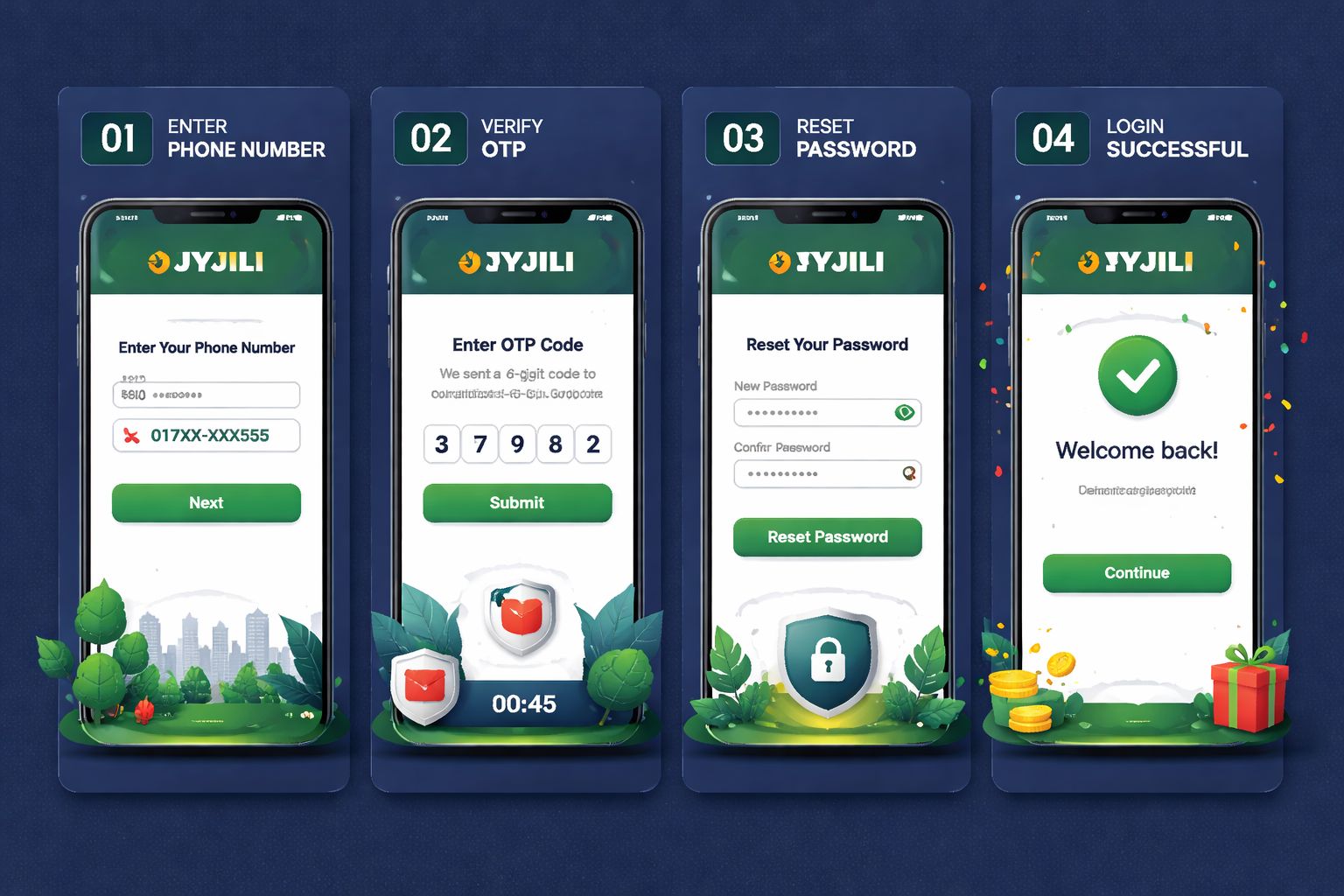
Forgot your password? It is common, especially if you switch devices or use multiple accounts across different services. The normal reset route is simple:
- Tap "Forgot Password" on the login screen
- Enter your registered phone number
- Get an SMS with a 6-digit code
- Enter the code on the site
- Set a new password
- Log in with the new one
Whole thing takes about 2 minutes. Codes expire after 10 minutes for security, so complete the reset while your phone is in hand.
If you don't get the SMS:
- Check your mobile signal and make sure the SIM is active for receiving SMS
- Wait 60 seconds and tap "Resend code" instead of requesting repeatedly too fast
- Try email recovery if you added an email address after registration
- Contact live chat as a last resort so identity can be checked before any manual reset
If you've lost access to the phone number too:
Contact support with:
- Your registered name
- Approximate signup date
- Last deposit amount + method (bKash/Nagad TRX ID if you have it)
- NID scan for verification
Support will manually verify whether the account belongs to you and then guide you through phone-number recovery or secure reset. This takes 24–48 hours because careless resets can expose real balances, so the delay is a security feature rather than a problem.
📱 Mobile vs Desktop Login
JYJILI works across different screens, but each option has its own rhythm depending on how you usually play in Bangladesh.
- Mobile browser (Chrome, Safari):
- ✅ Opens quickly on most phones without installation
- ✅ Good for checking balances, promos, and quick sessions
- ✅ Full core functionality from deposit to withdrawal requests
- ❌ No biometric login
- ❌ Slightly slower than the app on unstable 4G - Android app:
- ✅ Biometric login (fingerprint or Face ID where supported)
- ✅ Push notifications for account alerts and offers
- ✅ Smoother movement between lobby, wallet, and game areas
- ✅ Better fit for frequent mobile-first players
- ❌ Android only (no iOS app)
- ❌ Requires "unknown sources" install permission - Desktop browser:
- ✅ Wider view for comparing odds, tables, and account pages
- ✅ Comfortable if you follow cricket markets while browsing instant games or other categories
- ✅ Full functionality with easier typing
- ❌ No biometric login
- ❌ Less convenient when you are outside home or office
Most Bangladesh users prefer mobile because it matches bKash, Nagad, SMS OTP, and quick play habits. Desktop still makes sense when you want a larger screen, especially for reviewing markets, reading rules, or browsing slot collections before choosing a title.
🛟 Login Support & Help
If sign-in fails, do not keep guessing passwords until the account locks. Use the support route that matches your issue:
- 1. Live chat — bottom-right corner of any page
- Available 24/7 in English and Bangla
- Response time: usually under 3 minutes
- Best for OTP delays, login errors, and quick clarification - 2. Email — [email protected]
- Response time: 4–12 hours
- Best for account issues that need screenshots, payment proof, or identity documents attached
- Include your registered phone number, but never send your password - 3. Official community or messaging channel
- Only use channels linked from the site itself, not random groups shared by strangers
- Response time: 10–30 minutes when available
- Best for general questions, updates, and guidance before contacting account support
Real JYJILI support never asks for your password, OTP, or full wallet PIN. If anyone requests those details, stop the conversation immediately and report the message through live chat or email.
❓ FAQ
Clear answers for Bangladesh players who want help with JYJILI login, signup, OTP checks, recovery, device access, and account verification.
Enter your Bangladesh phone number, set a password, and verify the OTP. The complete registration usually takes about 2 minutes, and documents are not required at the first signup step.
Yes, up to 2 devices at the same time. If activity looks unusual or too many sessions appear, JYJILI may request SMS verification to confirm the account owner.
Wait 60 seconds and tap "Resend". Also check mobile network signal, confirm the phone number is typed correctly, and try switching between wifi and mobile data before contacting support.
Yes, when you use the official access path and protect your details. SSL encryption, optional 2FA, app-based biometric login, and login-history checks all help reduce account risk.
Yes, but verification is required. Go to account settings or contact support; you may need OTP confirmation, identity checks, and wallet-history details before the number is changed.
No. KYC is usually requested before certain withdrawals, before your first withdrawal over ৳10,000, or when a security review is triggered by unusual activity.
Contact support via live chat or email. They will verify ownership, check any remaining balance, and guide you through closure so funds and personal details are handled properly.
Account locks for 30 minutes after 5 failed attempts. Use "Forgot Password" to reset access instead of continuing to guess, because repeated errors may trigger extra security checks.
💭 Final Word
JYJILI login and registration are straightforward if you use the official site, keep your Bangladesh mobile number active, and avoid sharing OTPs or passwords with anyone.
The fastest path is simple: register with accurate details, save your phone number securely, enable extra protection, and contact support early if something looks wrong instead of trying risky shortcuts.
For regular play, the JYJILI app is the cleanest option on Android, while browser access remains useful for quick checks, casino browsing, betting review, and bonus comparison.